

Photos has long provided a hidden album you could use to hold images you wanted to keep a little more private. Until this year, however, it was security through obscurity: anyone who knew to reveal the album in Settings > Photos on an iPhone or iPad or by choosing View > Show Hidden Album on the Mac could see its contents. Now you can protect it—and the Recently Deleted album—with Face ID or Touch ID on an iPhone or iPad, or Touch ID or your password on a Mac.
Read More
Whatever consumer electronics product you can name, there’s probably a “smart” version that you configure via an app or Internet-connected interface once you’ve connected it to your Wi-Fi network. For ease of setup and to keep costs down, many such devices come pre-configured with not just a default username and password, but the same default username and password as all other units. That’s bad enough, but worse, most people never change those defaults, which is just asking hackers and malicious bots to break in and take over.
Read More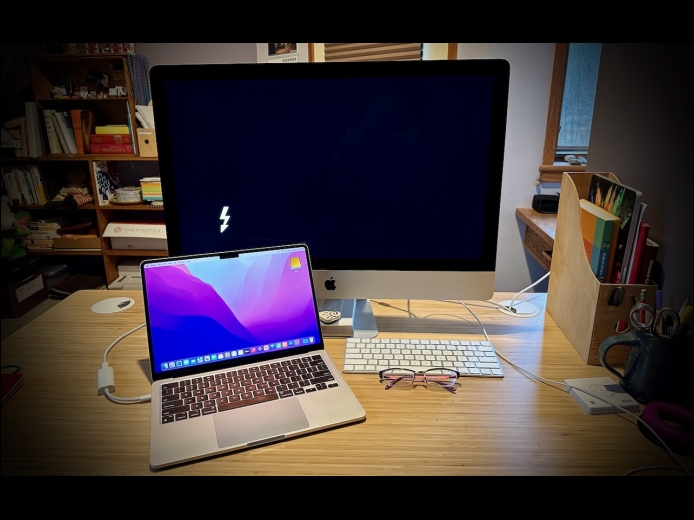
Apple makes it easy to move data between Macs. You can send files via AirDrop, attach them to an email message, put them in a Messages conversation, turn on and connect via File Sharing, or use a file-sharing service like iCloud Drive, Dropbox, or Google Drive as an intermediary, to name just a few of the more obvious approaches.
Read More