
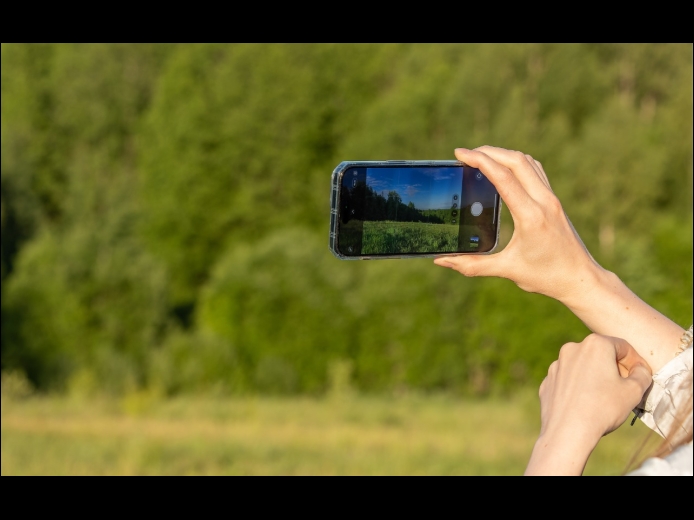
If you are accustomed to opening the Camera app on your iPhone by tapping its Home Screen app icon or Lock Screen widget icon, you may find it challenging to remember to use the new Camera Control button on the side of an iPhone 16. That button is a big win for easy access to the camera and its settings. To help retrain your camera habits, hide the Camera app icon on a secondary Home Screen or in a folder and remove it from the Lock Screen.
Read More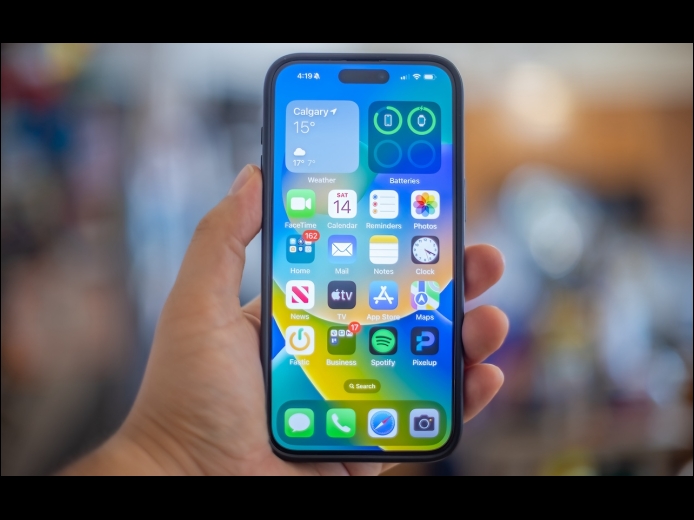
Widgets on the iPhone or iPad Home Screen are enhanced versions of app icons that display extra information. You can now bypass the complicated widget creation process and experiment with widgets more easily. No longer do you have to edit the Home Screen, tap the Edit button, tap Add Widget, choose a widget from the full set of choices, and position it as desired. Instead, touch and hold an app’s icon and tap the desired widget size from the bottom of the menu. The first icon represents a standard icon; the remaining three display the app as a 2×2 widget, a 4×2 widget, or a 4×4 widget.
Read More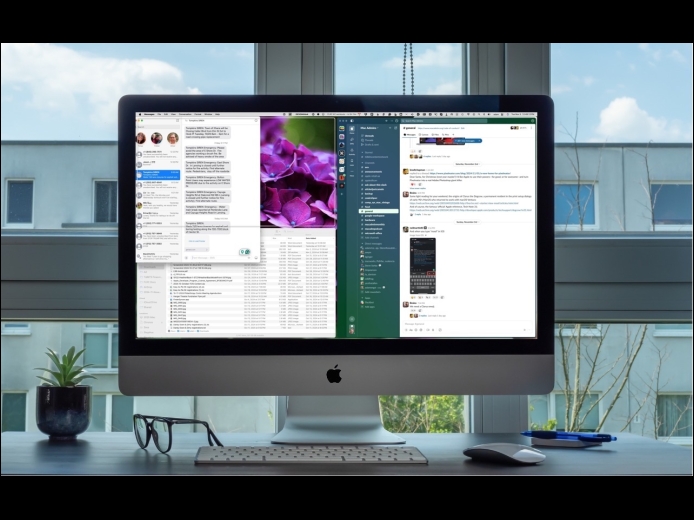
One of macOS 15 Sequoia’s most noticeable additions is a new form of window tiling. Drag a window to the menu bar to expand it to fill the screen, to the left or right edge to resize it to half the screen, or to a corner to resize it to that quarter of the screen. As you drag, a white outline shows what will happen when you drop the window. Unfortunately, accidentally invoking window tiling can be surprising and disruptive.
Read More