


Dragging files and folders around is core to the Mac experience—drag a file from one folder to another to move it, drag a folder from one drive to another to copy it. But did you know that if you hold down the Option key while dragging a file in the Finder, you’ll get a green + pointer and it will make a copy in the destination? That’s easier than duplicating, moving, and renaming the file.
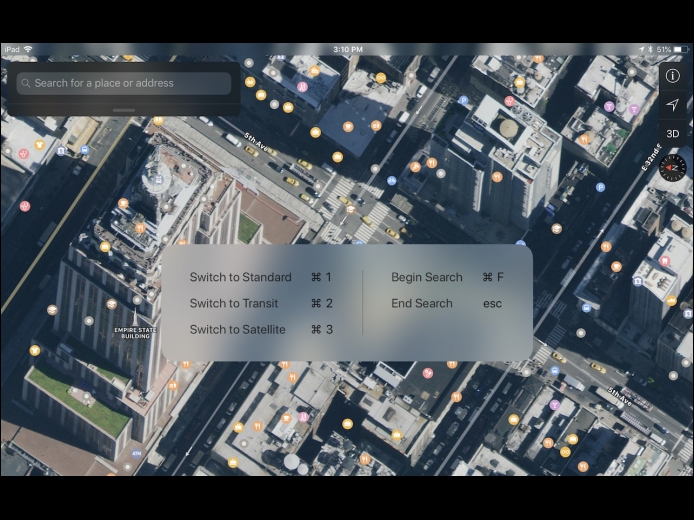
Read MoreIf you’re working on an iPad with a physical keyboard—either a Bluetooth keyboard or an iPad Pro with Apple’s Smart Keyboard—there are quite a few keyboard shortcuts you can use to work faster. Many are what you’d guess if you have Mac experience; for instance, Command-F generally maps to Find. But to see a list of supported keyboard shortcuts in an app, simply press and hold the Command key on the keyboard until an information panel appears. Some apps, like Calendar (shown below), even have multiple pages of shortcuts; swipe to see them all.
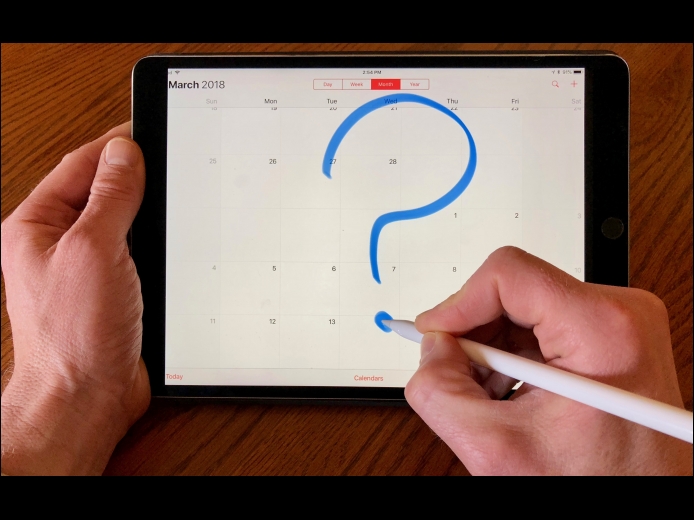
Read MoreWhen it comes to calendars, we’re mostly concerned with the future. But sometimes you want to travel back in time too, to see when you had that doctor appointment or last went to the gym. If you scroll back in the Calendar app in iOS, you might discover, to your consternation, that after 2 weeks back, the only items in your calendar are old repeating events. What gives? Weirdly, since calendar events consume almost no storage space, iOS lets you select how far back to sync events from your master calendar.
Read MorePages
User login
Popular Posts

Made the USA!
February 12th, 2014