



Since the iPhone X lacks a Home button to press twice for the app switcher, you’ll need to switch apps in a new way. To bring up the app switcher, swipe up from the bottom of the screen to about halfway, and then pause until the app thumbnails appear. Then you can scroll through your launched apps by swiping horizontally and switch to an app by tapping its thumbnail. While in the app switcher, you can also force-quit a frozen app: press a thumbnail to get a red minus button and tap that button. Alternatively, you can skip the app switcher entirely.
Read MoreDid you hear about the battery-related controversy swirling around Apple at the end of 2017? There has been much hue and cry about how, starting with iOS 10.2.1, iOS has been slowing down iPhones with old, weak batteries to avoid unexpected shutdowns. In response, Apple posted A Message to Our Customers about iPhone Batteries and Performance to explain what was going on.
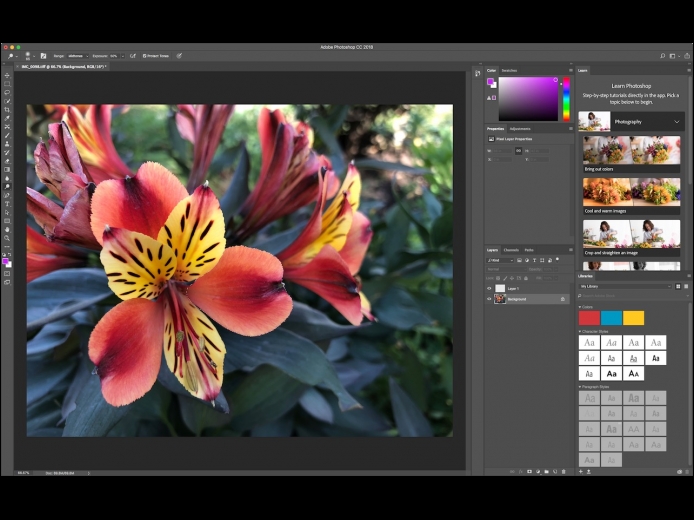
Read MoreIn macOS 10.13 High Sierra, Apple significantly enhanced the editing capabilities of Photos, adding tools for adjusting specific colors, fine-tuning color and contrast via curves, and even focusing an image with vignetting. But it still lacks many features found in other image editors, including applying a filter to an arbitrary portion of an image and adding text to an image. Happily, the latest version of Photos brings back a feature from iPhoto that lets you edit any image with any editor on your Mac.
Read MorePages
User login
Popular Posts

Made the USA!
February 12th, 2014